Home / News & Insights / Buyer Guide
SAFE · Practical buying guide
Home vs. Single-Head 15-Needle Embroidery Machines
Choose by the work you need to produce: the design size, ordinary sewing requirement, colour workflow and way the item is held. A household embroidery machine and a single-head 15-needle machine solve different tasks.
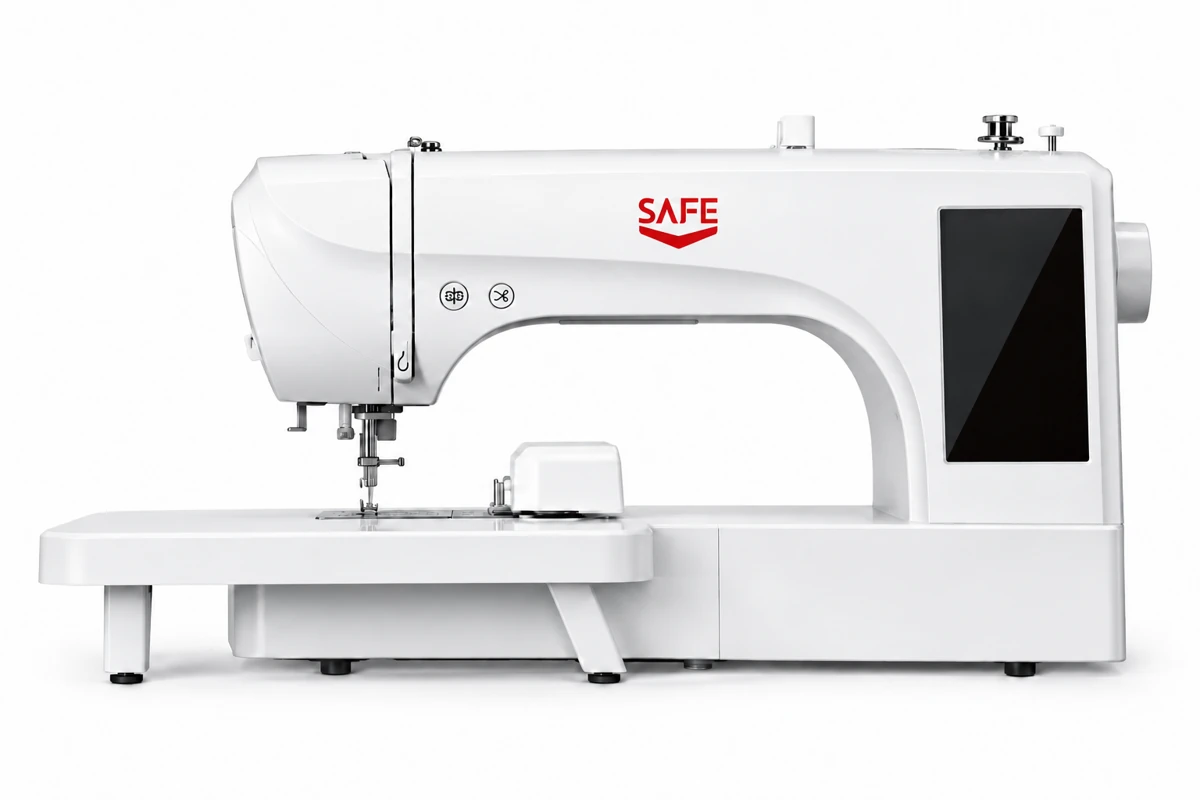
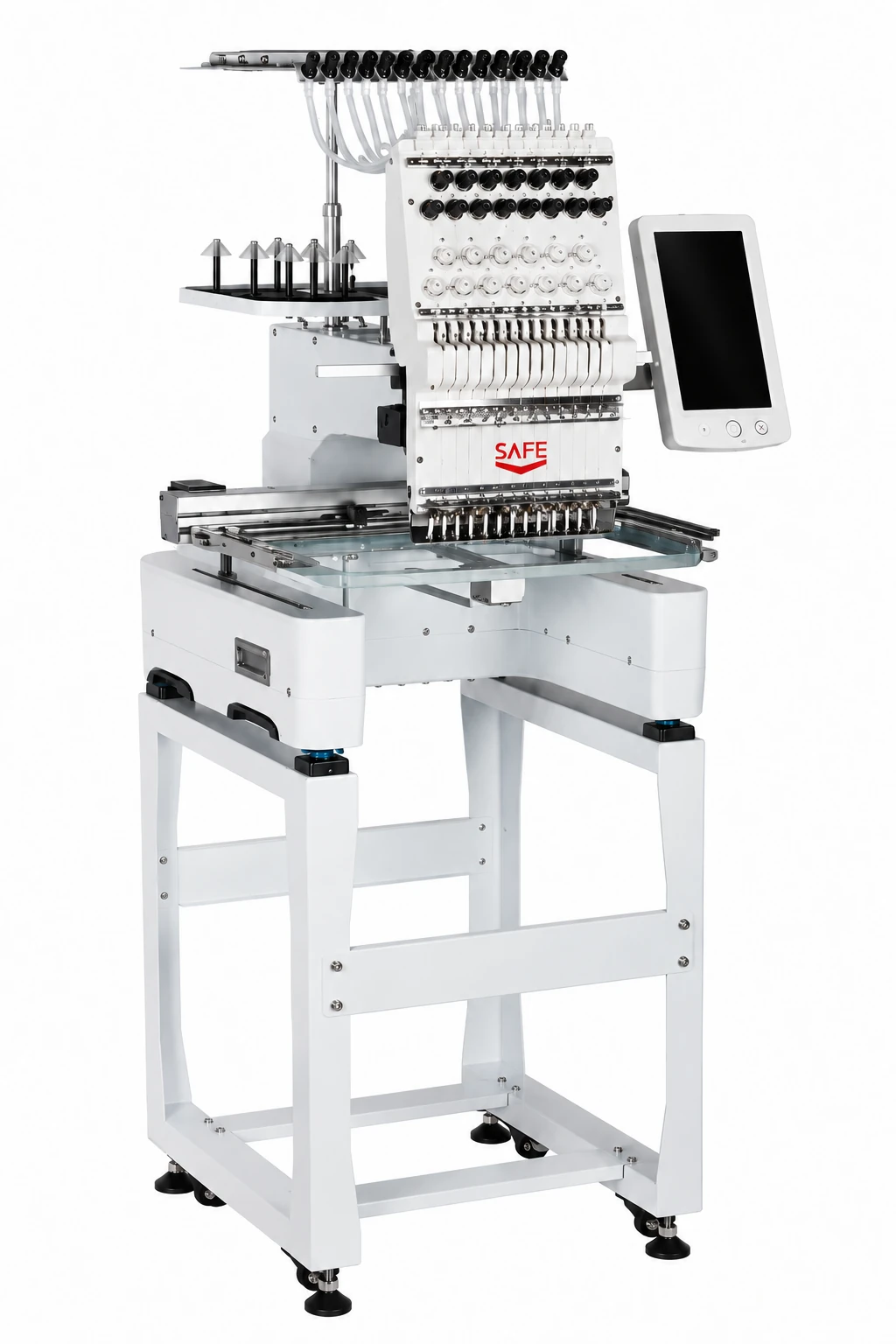
For dedicated home embroidery, compare SAFE ES7 and ES6. For ordinary sewing as well as embroidery, compare ES5 or another combination model. For a commercial multicolour workflow and a separately confirmed cap setup, review SAFE 1501: one head with 15 needles, not 15 embroidery heads.
Compare the actual machine functions
The words “home” and “commercial” are useful starting points, but they do not replace a specification check. SAFE ES7 is an embroidery-only household machine; ES5 combines ordinary sewing and embroidery. SAFE 1501 is a separate single-head commercial embroidery model with automatic colour change. None of these labels alone establishes how many finished items a particular job will produce.
| Selection point | ES7 | ES5 | 1501 |
|---|---|---|---|
| Machine function | Household embroidery only | Household sewing and embroidery | Commercial embroidery; one head, 15 needles |
| Maximum embroidery area | 200 × 380 mm | 100 × 235 mm | 360 × 240 mm |
| Touchscreen | 7 inches | 7 inches | 10 inches |
| Built-in designs / stitches | 312 embroidery designs | 96 embroidery designs; 207 sewing stitches | Do not select by an assumed built-in design count; confirm the controller setup |
| Pattern input | USB; DST / DSB | USB; DST / DSB | USB; DST / DSB |
| Cap embroidery | No cap configuration promised in this comparison | No cap configuration promised in this comparison | Supported with the appropriate configuration; confirm the kit and cap application |
| Full specifications | SAFE ES7 | SAFE ES5 | SAFE 1501 |
These fields describe embroidery movement, not the maximum outside size of a garment. A ready-made sleeve, closed bag or cap also needs physical access and a compatible holding arrangement. The 1501 flat-work field is not its guaranteed usable cap-embroidery area.
Decide what happens before and between stitches
Write down your typical jobs before comparing prices. For household personalization, that might be a garment panel or a decorative item with a known motif size. If the same workspace must also construct or repair garments, a combination machine deserves a place on the shortlist. ES7 does not gain ordinary sewing functions because it has a larger embroidery field.
For repeated multicolour work, 1501 provides 15 needle positions and automatic colour change. That is a workflow difference, not a claim of 15 simultaneous finished pieces. Threading, hooping, loading, bobbin work and finishing still form part of the job. Review a complete cycle using your design rather than comparing maximum catalogue speeds as daily output.
Both the ES7 and 1501 list DST / DSB input. A JPG or PNG is artwork, not a ready-to-stitch program. Your logo needs a suitable embroidery file, with stitch planning matched to the material and finished size. Ask who prepares that file and whether digitising is included in the quotation.
Three buying situations to discuss
A larger home embroidery design
Start with ES7’s 200 × 380 mm field. Check the design orientation, hoop and stabilizer. If 200 × 280 mm covers every intended design, compare ES6 as well.
One machine for sewing and decoration
Compare ES5’s combination functions with your sewing tasks. Its 100 × 235 mm embroidery field may be sufficient for smaller motifs; do not assume it shares ES7’s field.
Commercial logos and planned cap orders
Review the 1501’s colour workflow and quote the cap configuration explicitly. Send the cap construction and embroidery position for assessment before accepting a kit.
These are selection examples, not reports of tested production results. The same design may behave differently on another fabric, backing or finished-item shape. A useful sample review records those conditions rather than showing only an attractive completed motif.
Build a useful comparison request
- State whether you need embroidery only or ordinary sewing too.
- Send the largest design dimensions, number of colours and a DST/DSB file if available.
- Identify the fabric, stabilizer and whether the item is flat, assembled or a cap.
- Ask for the exact hoops, frames, cap parts, stand and other included accessories.
- Confirm electrical requirements, order quantity, delivery destination and the quotation basis.
- Ask for a sample demonstration showing the model, setup and finished result.
Keep 1501 separate from SF-CT1201S when comparing offers. They are distinct SAFE models and should not share a combined specification sheet. Browse the embroidery machine range for the complete choices and use the ordering and support information when planning your enquiry.
Watch the supplied machine demonstration
1501: flat and cap embroidery demonstration
The supplied 1501 video shows the machine, flat embroidery, cap embroidery and manual placement of raised-embroidery material. The demonstrated accessories and setup must be confirmed in your quotation.
00:02 — machine overview; 00:09 — flat embroidery; 00:18 — cap embroidery; 00:26 — material placement for raised embroidery.
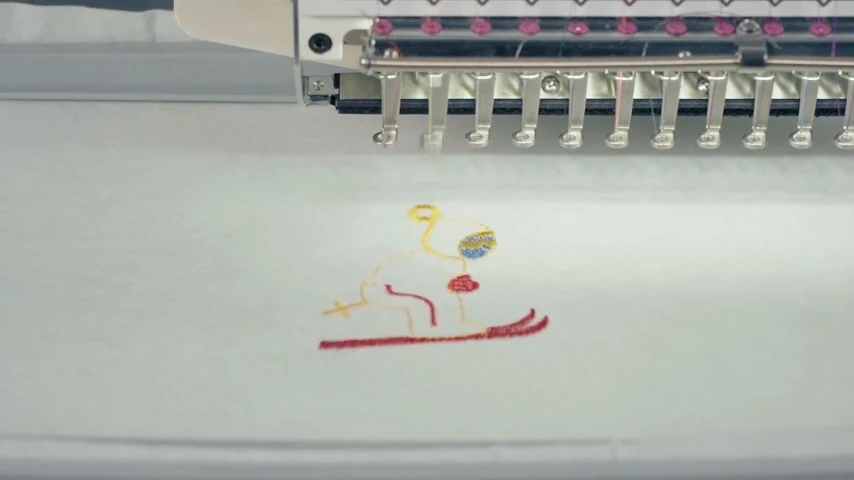
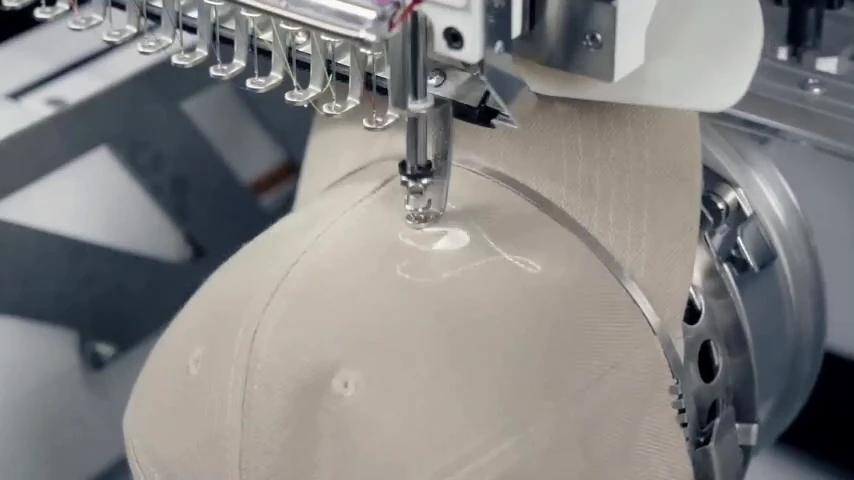
These are unretouched frames extracted from the supplied video. The demonstration is not a timed production test. Confirm the required hoop, cap attachment, material, design and supplied accessories before ordering.
Discuss your application with SAFE.
Send your model shortlist, material or design, quantity and destination. Trentzhou will help review the supplied configuration and quotation.
Sources and scope. SAFE household and 15-needle embroidery catalogue: printed pages 03–05 and 13. Model identity and the enquiry-only purchase process were confirmed by Millionindustry. Catalogue images and supplied video frames are identified in their captions. Information reviewed 20 October 2026. Confirm your final configuration and current quotation with the supplier.