Home / News & Insights / Buyer Guide
SAFE · Practical buying guide
Choosing a Pattern Sewing Machine: Work Area, Fixture and Material
Start with the complete stitched path and the way the workpiece will be held. A larger sewing field is useful only when the fixture, material and loading sequence also suit the operation.
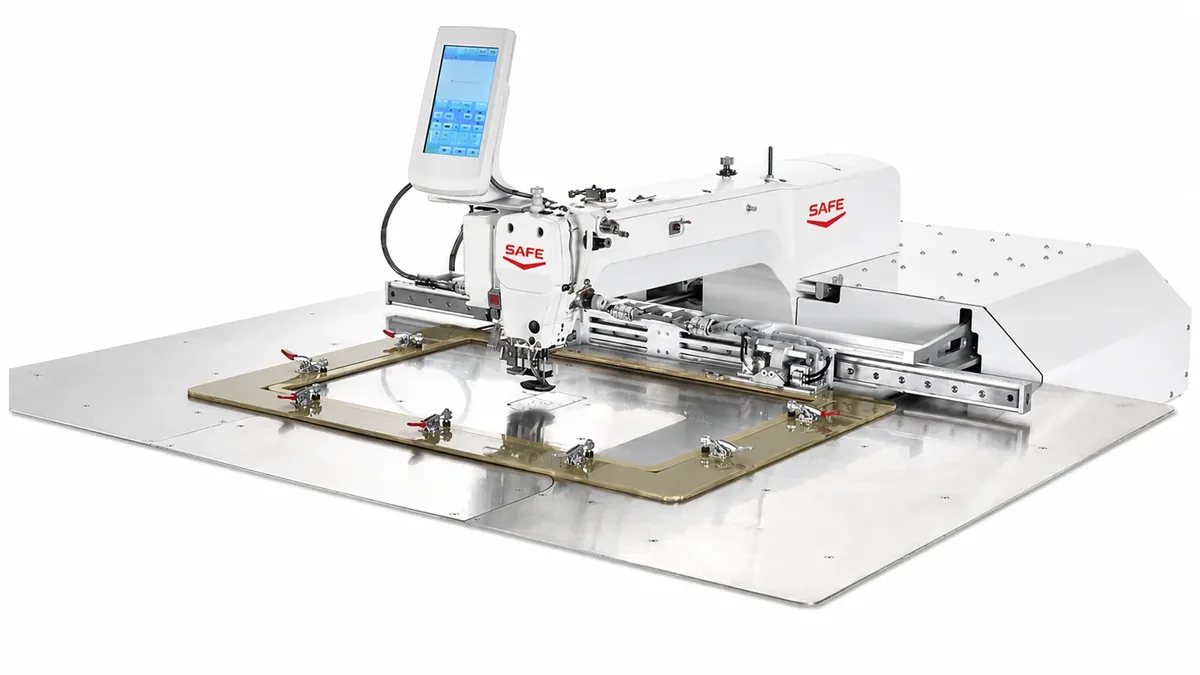
Use SF-2010’s 200 × 100 mm, SF-3020’s 300 × 200 mm and SF-6040’s 600 × 400 mm fields as a first dimensional comparison. Then review fixture clearance, material layers, needle/thread, utilities and a representative test. SF-6040 has an AC servo main motor and stepper-driven X/Y movement; it is not an all-axis servo specification.
Compare work area without skipping the fixture
| Model | Listed field, X × Y | First selection check |
|---|---|---|
| SF-2010 | 200 × 100 mm | Small components and repeated paths with suitable workholding |
| SF-3020 | 300 × 200 mm | Complete path, pneumatic clamping and loading access |
| SF-6040 | 600 × 400 mm | Larger bag and garment patterns; review fixture and movement requirements |
| SF-13090S | 1,300 × 900 mm | Rotating-head template arrangement with head lift; a different handling configuration |
A component’s outside dimensions and its stitch-path dimensions are not always the same. Mark the seam endpoints, corners and orientation on a drawing, then show where the clamp holds the piece. Leave the supplier enough information to check needle access and the way the material is loaded and removed.
For example, a 250 × 150 mm rectangular stitch-path envelope exceeds SF-2010’s listed field and lies within SF-3020’s listed dimensions in that orientation. That is only a geometric screening example. It does not approve a fixture, material thickness or finished seam.
Describe the holding and loading sequence
A suitable fixture must keep the work in position while allowing the programmed path to be sewn. Send photographs of the part, any existing fixture and the intended clamping points. Note folds, seams, fittings or raised details that may affect clearance. Explain whether the part arrives flat, folded or assembled.
List the steps the operator will perform: place the component, align it, close the clamp, sew, release and remove. If throughput matters, time the full sequence with a representative sample. Maximum sewing speed alone leaves out handling, repositioning and other parts of the cycle.
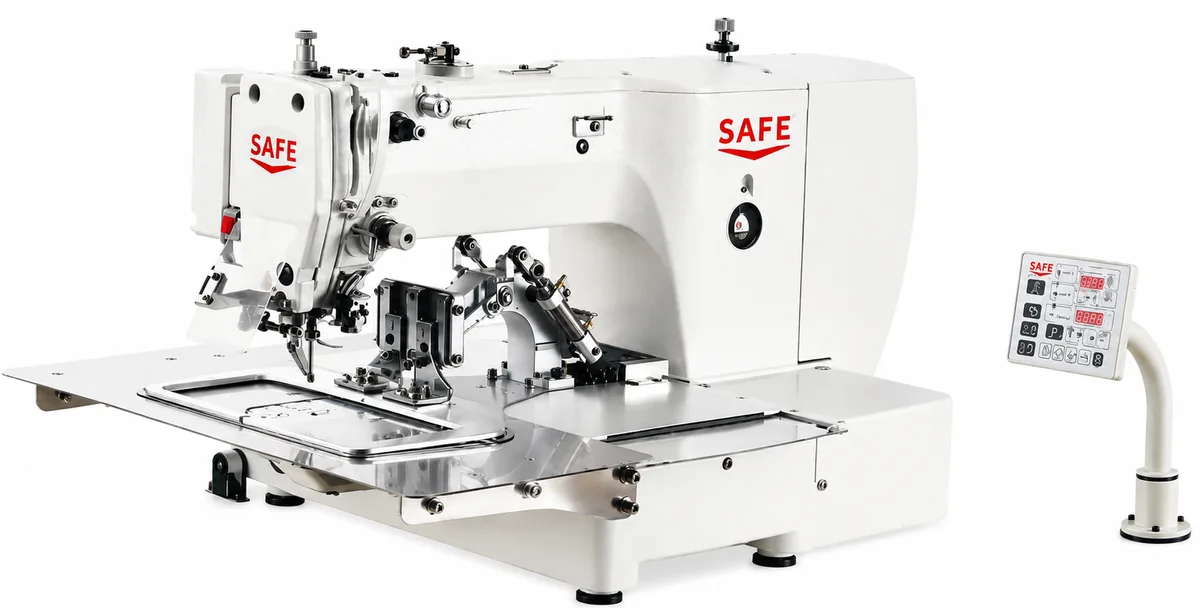
Where the task needs a large template or rotating head, compare that arrangement separately. SF-13090S and SF-13090X should not be treated as identical: the reviewed catalogue distinguishes their head-lift configuration. Use the pattern and template category to review those differences.
Read the SF-6040 specification precisely
SAFE SF-6040 lists a 600 × 400 mm field, single-needle lockstitch and a 550 W AC servo main motor. X/Y movement is stepper driven. The main sewing motor and the motors moving the workpiece are separate parts of the specification; describing the complete machine as “all-axis servo” would be inaccurate.
The catalogue also lists a maximum of 2,800 stitches/min, stitch length of 0.05–12.7 mm, up to 20,000 stitches per pattern, USB storage and pneumatic clamping. These are specification limits, not a tested promise for every material or seam.
The maximum work-clamp lift is 30 mm. This is not a rated maximum sewable material thickness. The actual stack, compression, needle, thread and fixture need assessment together. Confirm electrical and compressed-air requirements for the delivered setup before planning installation.
Prepare a sample test that answers the buying question
- Identify the work. Provide material, layer count, measured stack thickness and a physical sample or clear photographs.
- Define the seam. Supply the complete stitch-path drawing, stitch length requirement and needle/thread details if established.
- Show the fixture. Include clamping points, loading direction, clearance constraints and any existing template.
- Agree the checks. Define seam placement, appearance and handling criteria. State any measurable tolerance you need reviewed.
- Record the conditions. Ask the demonstration to identify model, fixture, material and settings, and show both sides of the sewn result.
- Time the whole cycle. Include loading and unloading if comparing output. Keep the test conditions with the result.
Do not assume an ordinary drawing or image can be loaded directly as a finished sewing program. Confirm the controller workflow and how your stitch path will be prepared. If the operation or material changes, ask whether the existing fixture and program remain appropriate.
Send the model shortlist, sample information, quantity and destination to Trentzhou. Link your enquiry to the SF-6040 specification or another exact product so the offered configuration is clear. The machine enquiry guide and support information explain the next practical steps.
Discuss your application with SAFE.
Send your model shortlist, material or design, quantity and destination. Trentzhou will help review the supplied configuration and quotation.
Sources and scope. Reviewed SAFE v06 sewing machine catalogue and the corresponding published model specifications. Dimensional examples are illustrations for screening, not verified sewing trials. Catalogue images and supplied video frames are identified in their captions. Information reviewed 20 October 2026. Confirm your final configuration and current quotation with the supplier.